![logo--white-s-2.svg]](https://help.streamwork.com/hubfs/logo--white-s-2.svg)
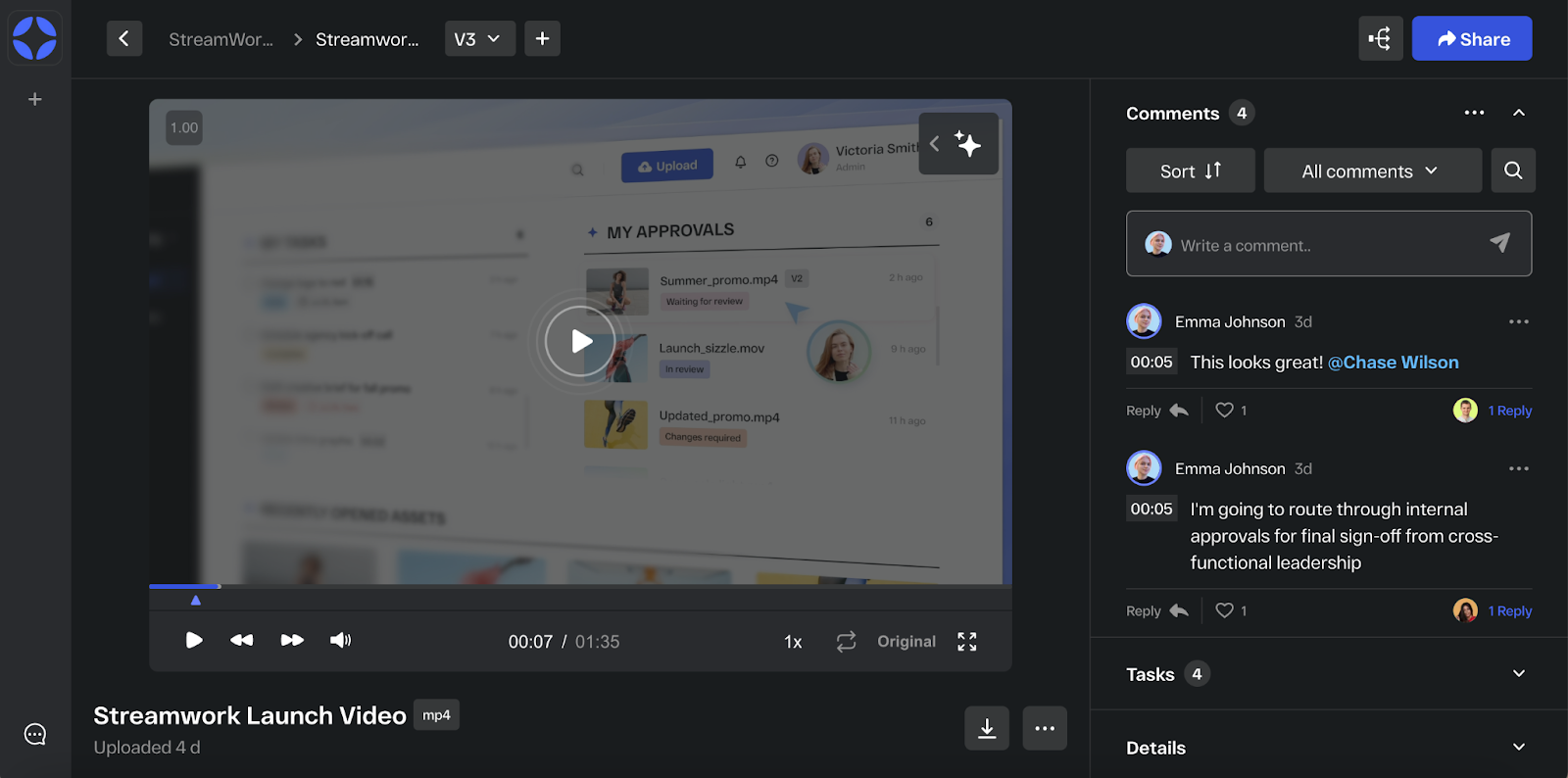
Anyone with access to the media file will be able to open it in Media Viewer and collaborate on it. This means your team can leave comments on the media file and even draw on it.
Tip: If you’d prefer only specific people collaborate on a media file you’ve uploaded, see how to control who sees what in StreamWork in this Help Center article.
You can leave comments on any media in StreamWork—videos, images, documents, slides, and more. All feedback appears in the comment panel on the right side of the Media Viewer, and every comment or annotation is anchored to the exact timecode, page, or spot on the media file for clear, contextual collaboration.
To collaborate on a media file:
- Open the share link you received in your email, Slack or otherwise, or click on a media file thumbnail in StreamWork to open the media file in Media Viewer.
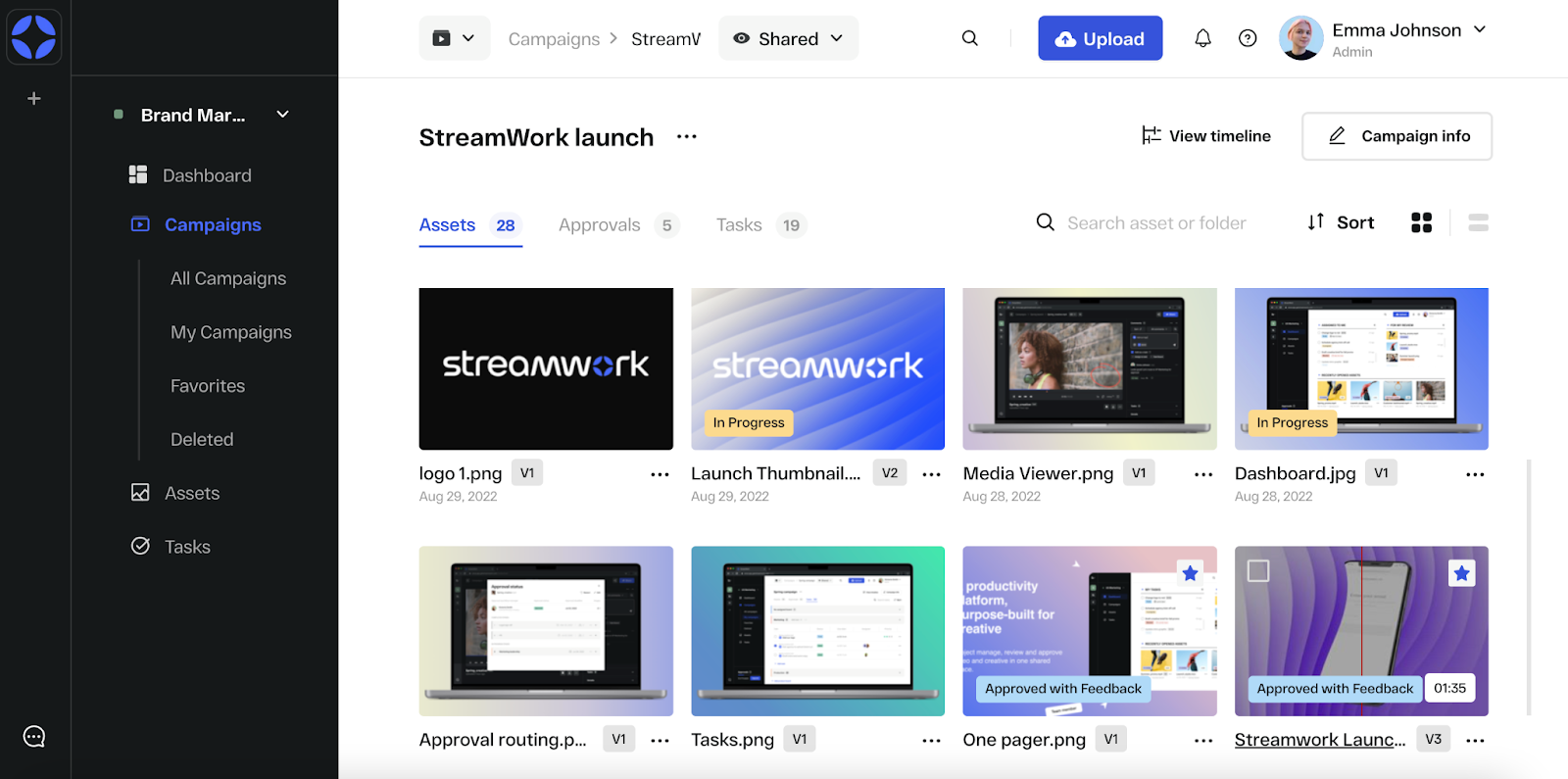
2. The media file will open in Media Viewer, an interface where you can view and collaborate on any media file in StreamWork. If you’re viewing a video, you can play, pause, rewind the video directly in your browser. Similarly, you can open documents, slides, PDFs, images and more in the Media Viewer. StreamWork offers zoom and full screen functions to simplify review.
Tip: Learn how to leave comments on a video or media file, or even draw on it, in this Help Center article.