![logo--white-s-2.svg]](https://help.streamwork.com/hubfs/logo--white-s-2.svg)
There are two ways to delete media in StreamWork:
1. Click the media thumbnail settings menu (3 dots next to the thumbnail)
2. Delete the media file from inside of the Media Viewer
To delete media from the thumbnail settings menu:
1. Choose the thumbnail of the media you would like to delete.
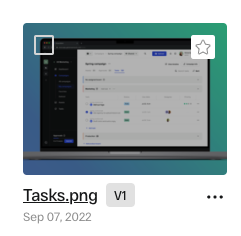
2. Click the 3 dot settings menu located on the lower right side of the thumbnail.

3. Select "Delete"
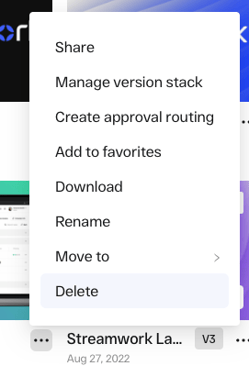
4. A window will appear asking if you are sure you'd like to delete the media, as well as all versions stacked with the media.
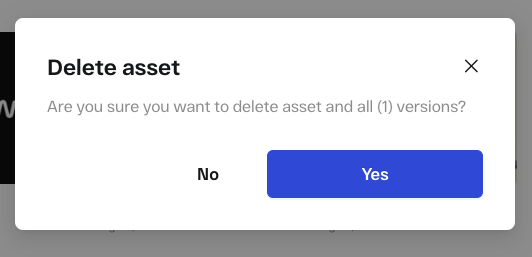
5. If you'd like to delete the media file, select "Yes"
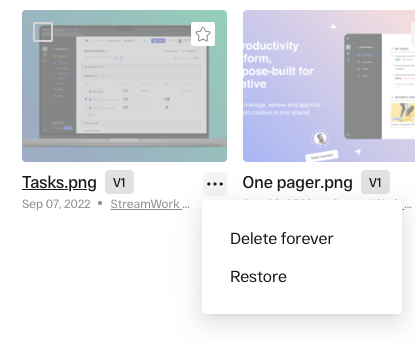
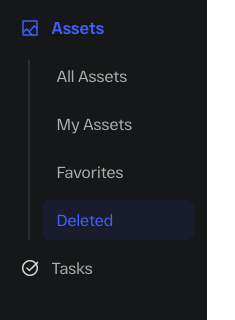
6. To see the deleted media, go to "Media" in the main navigation panel --> "Deleted."
7. The media you deleted will appear in the trash. The deleted media will remain here for 30 days, after which point it will be permanently deleted from StreamWork.
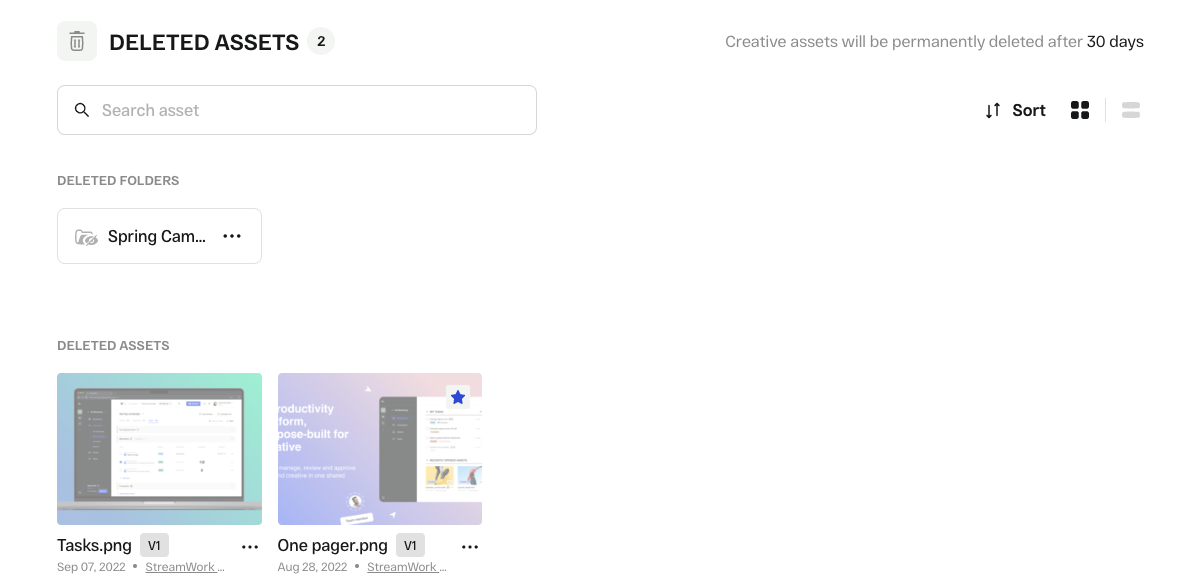
8. If you'd like to restore the media or delete forever immediately, click the 3 dot settings menu underneath the media thumbnail on the right hand side.